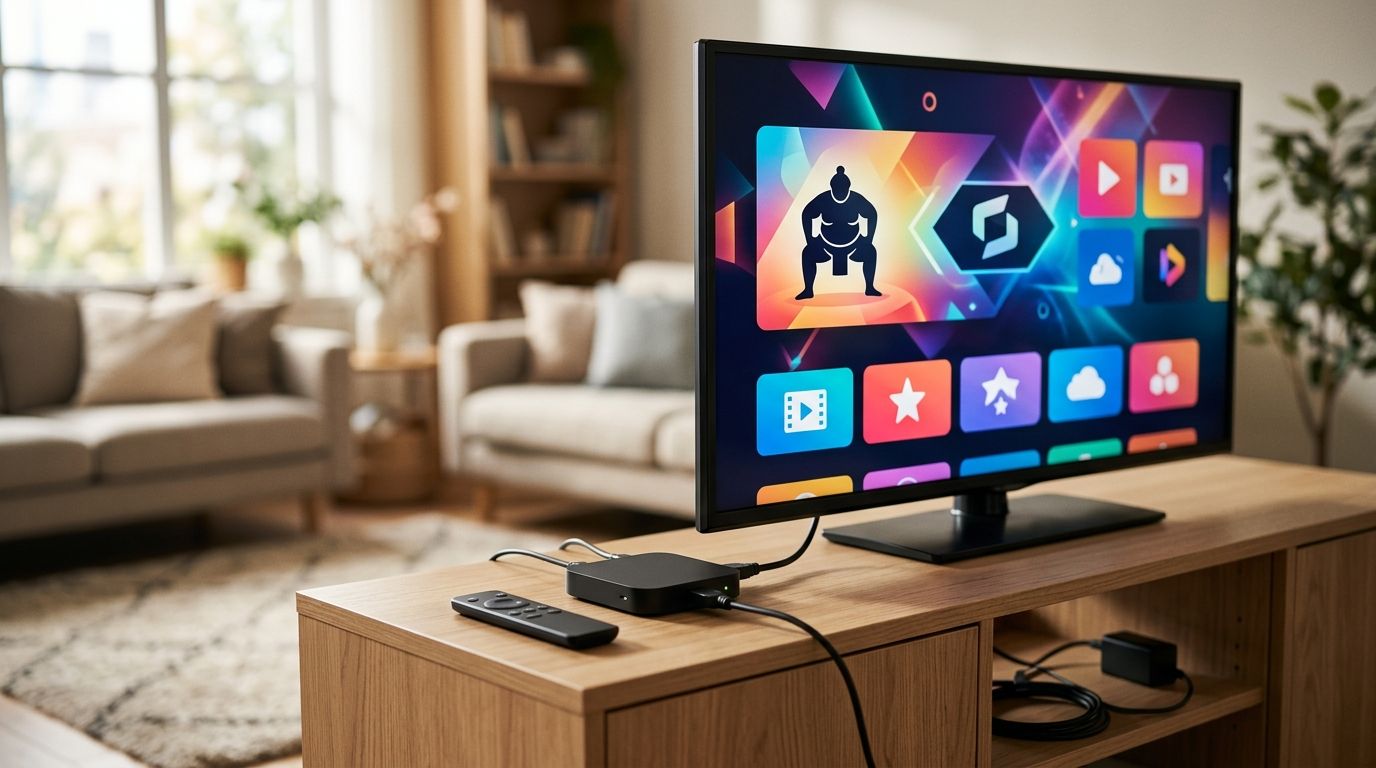
Setting up SumoTV on a new Roku usually goes wrong in one of two spots: the channel search returns nothing, or the app loads but won't accept your login. Instead of guessing your way through it, follow the exact sequence below and you'll have SumoTV streaming on your Roku, Fire TV, Samsung, or LG smart TV in under 10 minutes.
- Sumo TV on Roku installs through the Streaming Channels store and activates with a one-time code, not your WiFi password.
- SumoTV also runs on Fire TV, Samsung, LG, and Apple TV with the same account-login pattern in 2026.
- The most common setup failure is entering account credentials instead of the on-screen activation code.
- A weak 2.4GHz WiFi signal, not the app itself, causes most buffering complaints during setup.
- SumoFiber customers manage TV, internet, and mobile through one account, which simplifies activation across devices.
Why this matters
Streaming setup friction is the top reason new TV app installs get abandoned mid-process. A support call over a failed activation costs more time than the 10-minute setup itself, and it delays the actual reason you signed up: watching something.
SumoTV is built to run on the smart TV platforms most households already own, so the setup workflow below covers Roku first, then the adjustments needed for Fire TV, Samsung, and LG. Get through this once in 2026 and you won't touch it again until you replace the TV.
Before you start
- Active SumoFiber account with TV service enabled — you'll need the account email and password, not your home WiFi password, to activate.
- A Roku device on the same network as your account setup — Roku Express, Roku Streaming Stick, or a Roku TV all support the SumoTV channel.
- The gotcha: activation happens through a short numeric code shown on the TV screen, entered on a separate device (phone, laptop) — not typed directly into the Roku remote. Skipping this step and typing your password directly into the TV interface is the single most common reason setup stalls.
Set up your Roku for SumoTV
- From the Roku Home screen, scroll the left menu and select Streaming Channels.
- Select the Search Channels icon and type "SumoTV."
- Highlight the SumoTV tile and press OK on the remote to open the channel page.
- Select Add Channel. Roku installs it to your channel grid — this takes under a minute on most connections.
- Return to Home, scroll to the new SumoTV tile, and press OK to launch it.
Expected result: the SumoTV splash screen loads and displays a short activation code on screen.
Sign in and link your SumoFiber account
- On your phone or computer, open a browser and go to the activation page shown on the TV screen.
- Enter the code exactly as displayed — codes are case-sensitive on some builds and expire after a short window, usually a few minutes.
- Log in with your SumoFiber account email and password (the same one you use to pay your bill or manage service).
- Confirm the device pairing when prompted.
Expected result: the Roku screen refreshes automatically and loads your SumoTV home lineup within 10-15 seconds of confirming on the browser.
Customize your channel lineup and settings
- Inside SumoTV, open Settings from the main menu.
- Set your preferred default audio and closed captioning options — these carry over across every device linked to the same account.
- Favorite the channels you watch most so they surface at the top of the guide instead of buried in an alphabetical list.
Once this is set on one device, it syncs to any other SumoTV installation tied to the same SumoFiber account — you won't have to repeat this step on a second TV.
Install SumoTV on Fire TV, Samsung, and LG smart TVs
The Roku workflow above is the backbone for every other platform — search, install, activate with a code, log in on a second screen. The differences are cosmetic:
| Device | Where to find the app | Activation method | Best for | Verdict |
|---|---|---|---|---|
| Roku | Streaming Channels search | Code entered on phone/browser | Simplest, most widely owned streaming box | Install now |
| Amazon Fire TV | Search or Amazon Appstore | Code entered on phone/browser | Households already using Alexa voice search | Install now |
| Samsung Smart TV | Samsung Smart Hub app store | Code entered on phone/browser | Newer Samsung models (2021+) with Tizen OS | Install now |
| LG Smart TV | LG Content Store | Code entered on phone/browser | LG webOS models running current firmware | Install now |
| Apple TV | App Store (tvOS) | Sign in directly with account credentials | Households already inside the Apple ecosystem | Install now |
Apple TV is the one exception worth calling out: instead of the two-screen activation code, tvOS lets you sign in with your SumoFiber account email and password directly inside the app. Everything else — favorites, captioning defaults, audio preferences — syncs the same way across all five platforms.
Pros of the SumoTV setup workflow: one account handles activation across every device type, settings sync automatically, and there's no separate streaming subscription to manage on top of your SumoFiber TV service.
Cons: the two-screen activation step is an extra hop compared to apps that let you type a password directly on the remote, and app store availability on older TV models (pre-2019 Samsung and LG sets) can be inconsistent.
Get SumoTV With Fiber Internet
Manage TV, internet, and mobile from one SumoFiber account.
Troubleshooting
SumoTV isn't in the Roku Channel Store search results. Restart the Roku from Settings > System > System restart and search again — Roku's local channel index occasionally needs a refresh after a new install.
Activation code expires before you finish entering your login. Relaunch the SumoTV app on the TV to generate a new code, then move faster through the browser login — most codes are only valid for a few minutes.
App installs but shows a blank or black screen on launch. This is almost always a network issue, not an app issue — check that the Roku or smart TV is connected to the 5GHz band if your router broadcasts both 2.4GHz and 5GHz, since 5GHz handles video streaming with fewer dropouts in crowded households.
Video buffers constantly during peak evening hours. If this happens across every app, not just SumoTV, the fix is on the network side — run a speed test and fix slow WiFi before assuming the app is broken.
Internet drops entirely and SumoTV won't load at all. For households that can't afford dead air during a dropped connection, the cellular backup workflow keeps devices online automatically when fiber service interrupts.
Customize your workflow — what to do next
Once SumoTV is running reliably, the next move for most households is checking whether the home network itself is holding the connection back rather than the app. A 2026 household running 4K streams on three or four devices simultaneously needs internet providers built for streaming rather than a plan sized for basic browsing.
If you're weighing whether to keep TV and internet on separate bills or consolidate them, compare internet and TV bundle providers before renewing anything in 2026 — one-account management is the whole point of running SumoTV on a SumoFiber connection in the first place.
The one sentence to remember: SumoTV activates on Roku, Fire TV, Samsung, and LG smart TVs through a code-based login in under 10 minutes, and the setup only fails when someone types account credentials into the wrong screen.
FAQ
How do I get Sumo TV on Roku?
Search "SumoTV" in the Roku Streaming Channels store, add the channel, launch it, and enter the on-screen activation code at the browser link shown on your TV. The whole process takes under 10 minutes in 2026.
Does SumoTV work on Samsung and LG smart TVs?
Yes. Samsung TVs from 2021 or later find it in the Smart Hub app store, and LG webOS models find it in the LG Content Store. Both use the same code-based activation as Roku.
Why won't SumoTV accept my login on Roku?
Most login failures happen because the account password is typed directly on the remote instead of entering the short activation code on a phone or browser. Relaunch the app to get a fresh code if the first one expired.
Can I use SumoTV without a SumoFiber internet plan?
SumoTV activation requires an active SumoFiber account with TV service enabled — check your current plan details to confirm access before attempting setup.
Why does SumoTV buffer on my smart TV?
Buffering is usually a WiFi issue, not an app issue. Switching the TV to the 5GHz band and confirming other devices aren't saturating the connection resolves most cases.
Does SumoTV sync settings across multiple TVs?
Yes. Favorites, audio defaults, and captioning preferences carry over automatically to any device signed into the same SumoFiber account.
Is SumoTV available on Apple TV?
Yes, through the tvOS App Store. Apple TV skips the two-screen activation code and lets you sign in with your account email and password directly in the app.
What do I do if SumoTV disappears from the Roku Channel Store?
Restart the Roku device from Settings, then search again — Roku's local channel index occasionally needs a refresh after any new channel install.
One last thing
The activation code step trips up more households than any actual technical failure — the app, the account, and the network are almost always fine. Get the code-on-a-second-screen pattern right once in 2026, and every future TV in the house takes under five minutes to add.