
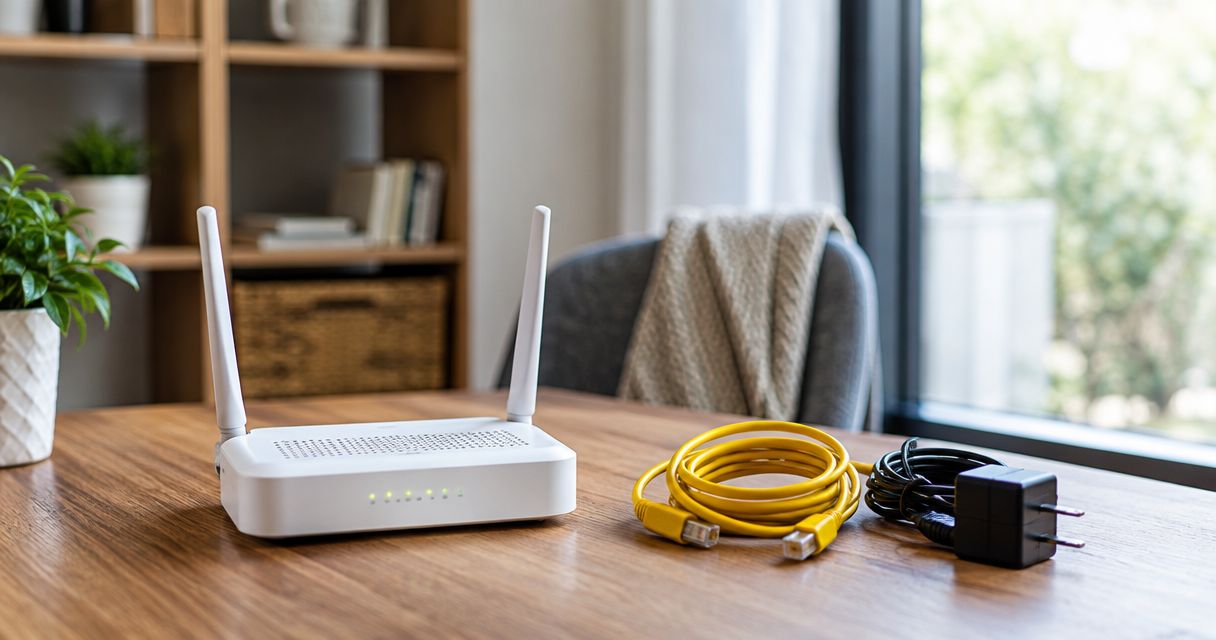
When you cancel fiber internet in 2026, return provider-owned equipment according to your account’s return instructions, keep equipment you own, and leave installed fiber hardware in place unless the provider or network owner directs otherwise. Canceling service does not establish who owns each device or complete an equipment return. Before unplugging anything, get a written list of what must be returned and how to document the handoff.
- What happens to equipment when you cancel fiber internet depends on ownership and written return instructions.
- Return instructions should identify each device, its accessories, the deadline, and the accepted return method.
- Keep your own router; confirm what happens to the optical network terminal before touching installed hardware.
- Sumofiber offers fiber internet and managed WiFi; confirm equipment responsibilities for the specific service you are ending.
What happens to your equipment when you cancel fiber internet?
Sort equipment by ownership, not by where it sits. A router on your desk, a box attached to the wall, and a mesh node upstairs can have different owners and different return requirements. A device being inside your home does not make it yours.
If you use Sumofiber fiber internet or managed WiFi, ask for device-specific instructions before disconnecting the equipment. Apply the same check to any provider: identify the actual hardware rather than asking only whether you need to return the router.
| Equipment situation | What to do before cancellation | Benefit of this approach | What still needs checking |
|---|---|---|---|
| Router or mesh equipment you purchased yourself | Keep it and save its settings before changing your setup | You retain hardware you own | Compatibility with the next connection is a separate question |
| Provider-owned router or mesh equipment | Get an itemized return list and follow the approved method | You can match the return to your account | Required accessories, deadline, and return destination |
| Optical network terminal or mounted fiber hardware | Leave it in place until you receive explicit instructions | You avoid removing equipment that serves the property | Whether the provider, network owner, or property owner controls it |
| Equipment with unclear ownership | Match the model and serial number against account records | You avoid returning your own device or keeping someone else’s | Written confirmation of ownership |
These are decision categories, not a universal cancellation policy. Your service agreement and written account instructions determine the required return.
Why this matters
Ending internet service and resolving equipment responsibility are separate tasks. You need confirmation that the service ended, plus confirmation that any required equipment return was received and recorded correctly.
For a cancellation in 2026, keep those confirmations together. A shipping receipt proves you handed over a package; an account confirmation establishes whether the provider accepted the return against your equipment record. Do not treat one as a substitute for the other.
Organize the job into 3 equipment groups: devices you own, devices you must return, and installed hardware that needs explicit instructions. This simple inventory keeps a busy moving day from becoming a guessing game.
Equipment you own: keep it, then check compatibility
Keep a router, mesh system, or Ethernet switch that you purchased yourself and still own. Canceling the internet connection does not change ownership of that hardware. Save the purchase receipt if the device looks similar to equipment supplied by your provider.
Before resetting your router, record the settings you will want later. Your WiFi network name, guest network, parental controls, and custom device settings can help you rebuild the setup without starting from memory.
Keep owned equipment, but do not assume it will work unchanged with the next service. The next provider’s connection requirements determine whether you can reuse it directly, adjust its settings, or use a different arrangement. The guide to using your own router with fiber internet explains the separate question of bringing your own hardware.
There is a practical trade-off. Keeping a familiar router preserves your existing setup, but it also leaves you responsible for confirming compatibility and configuring it. Do that before the old connection ends, not while everyone is waiting to get back online.
Provider-owned equipment: return the exact items requested
Ask the provider to identify the equipment associated with your account. The list should distinguish the main router from any mesh nodes, power adapters, phone adapters, or other supplied devices. Do not assume that returning the most visible box settles everything.
Match each requested item by model and serial number. If a router was replaced during service, ask whether the equipment record reflects the replacement. You want the return instructions to describe the device you actually have.
Use the return method the provider authorizes. Get the destination, packaging instructions, required accessories, and deadline in writing. Do not send equipment to an address found on an old box unless the provider confirms it is the correct return destination.
Returning provider-owned equipment resolves the physical handoff, but it requires a clear record. Photograph the requested devices and their identifying labels before packing. Keep the handoff receipt or shipment tracking, then request confirmation that the equipment record has been cleared.
Installed fiber hardware: get instructions before removing it
The optical network terminal, often called an ONT, connects the optical fiber connection to equipment that uses electrical network signals. It is not automatically the same device as your WiFi router. Some installations combine functions in a single unit, which makes the device’s model and role more useful than its appearance.
Do not unscrew a mounted terminal, open an outdoor fiber enclosure, or pull out installed fiber cable as part of an ordinary cancellation. Leave installed hardware alone unless the responsible provider or network owner gives explicit directions. If removal requires a technician, let the responsible party arrange it.
Leaving installed equipment in place avoids unnecessary handling, but it does not answer the ownership question. Ask whether the terminal stays with the property and whether any detachable equipment must be returned separately.
This distinction matters when you move. A box attached to the wall can belong to the connection at that address rather than to the belongings you take with you. Get the answer before the moving crew packs it.
Why equipment instructions vary
Equipment instructions vary because a fiber installation can involve different devices and different owners. Use these factors to ask focused questions rather than relying on another customer’s cancellation experience:
- Ownership: A device you purchased and a device supplied for use during service require different decisions.
- Device role: A WiFi router, mesh node, phone adapter, and optical network terminal perform different jobs.
- Installation type: Freestanding equipment and hardware attached to the property need different handling checks.
- Network responsibility: The company providing internet service is not automatically the owner of every installed component.
- Services being ended: Internet, managed WiFi, TV, and phone services can involve separate devices or account instructions.
- Property arrangements: In an apartment or business building, confirm whether equipment serves your individual connection or shared infrastructure.
None of these factors gives you permission to improvise a return. They explain why an itemized answer for your account is more useful than a general statement about fiber equipment.
How do I return fiber internet equipment without missing anything?
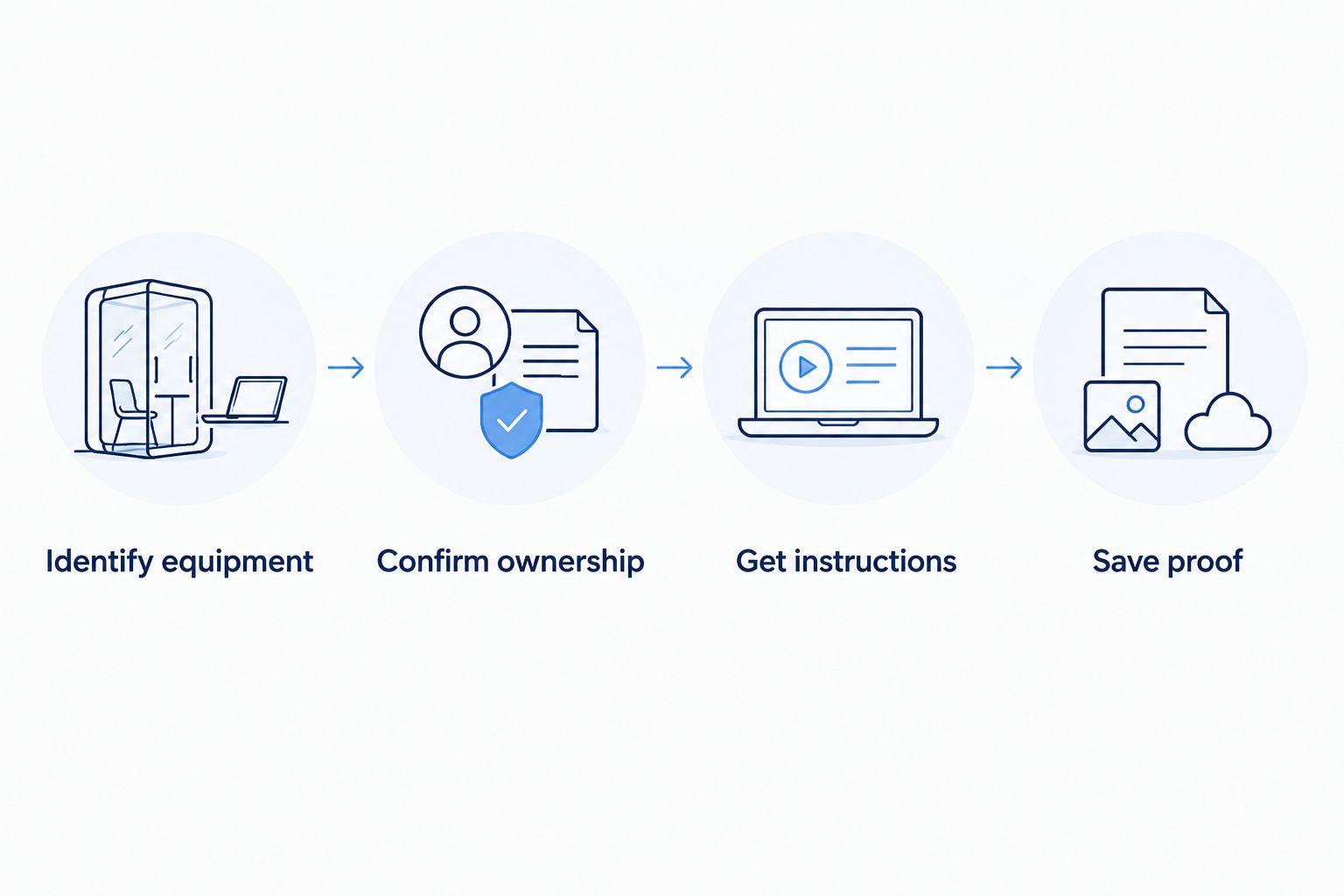
Use this 2026 cancellation checklist to connect the account closure, the equipment handoff, and the final confirmation. Follow the sequence before disconnecting working devices.
- Identify equipment. List the devices attached to the connection, including mesh nodes in other rooms. Record model names and serial numbers from accessible labels without opening installed hardware.
- Confirm ownership. Separate your purchases from provider-owned devices. Ask who controls the ONT and any mounted fiber equipment, and resolve anything that is unclear.
- Get instructions. Request the required device list, accessories, return method, destination, and deadline. Confirm which devices must remain connected until service ends.
- Save proof. Photograph the items, retain the handoff or tracking record, and obtain confirmation that the return has been applied to your account.
The checklist produces 2 records you should retain: a service-cancellation confirmation and an equipment-return confirmation. Keep them with the device inventory so you can answer a later question without reconstructing what happened.
Before handing over a router that held your personal settings, ask how the provider wants it prepared. Follow the device’s documented reset procedure only after saving needed settings and confirming that no remaining service depends on it. Do not apply router reset instructions to an ONT or other installed network hardware.
Can I keep using my router after canceling fiber internet?
A router you own can remain yours after cancellation, but it cannot supply internet without an active connection. It can still provide local networking when configured for that purpose. Access to online streaming, video calls, and websites requires another working internet connection.
If you are switching providers, confirm the new service’s router requirements before canceling the old connection. A device supporting your current setup does not establish compatibility with the next one.
Keep the old equipment connected until you have confirmed the planned shutoff and your replacement setup. That is especially useful when a household depends on video calls or a business depends on network-connected tools.
What should I do if I cannot find a device on the return list?
Report the specific missing device before the return deadline. Give the provider the model or serial number shown on the equipment list, and ask for written instructions on how to proceed.
Check the places where network equipment gets overlooked: behind the television, near a desk, beside the fiber terminal, and in rooms with mesh nodes. Do not substitute a different device simply because it looks similar.
If the list includes equipment you previously returned or replaced, send the supporting receipt or replacement record. Ask for a corrected equipment list rather than accepting an unresolved mismatch.
Does returning equipment cancel my other services?
Returning internet equipment does not establish that every service on your account has been canceled. Ask the provider to name which services are ending and which remain active. Check any separate TV, home phone, mobile, or managed WiFi arrangements before packing shared equipment.
Sumofiber is a fiber internet option for households and businesses that want internet and managed WiFi from one provider. That service choice does not replace an account-specific equipment check: confirm which devices support the services you are keeping.
For a 2026 service change, write down 2 dates: when the old connection ends and when the replacement connection is expected to work. Treat the second date as a plan until the replacement is actually operating.
FAQ
Do I have to return my router when I cancel fiber internet?
Return a provider-owned router when your account instructions require it; keep a router you own. Confirm ownership using the device model, serial number, and account records before packing it.
Should I remove the fiber box from the wall when I move?
Leave mounted fiber hardware in place unless the responsible provider or network owner explicitly instructs you to remove it. Ask separately whether any detachable devices or accessories must be returned.
Does canceling fiber internet automatically complete my equipment return?
No. Service cancellation and equipment return require separate confirmation, so retain the cancellation record and the confirmation that the required devices were received.
Can I reuse my own mesh WiFi system with another provider?
Reuse depends on the new provider’s connection requirements and the mesh system’s capabilities. Confirm compatibility and save the settings you need before changing or resetting the system.
What proof should I keep after returning internet equipment?
Keep the device inventory, photographs of identifying labels, the handoff receipt or tracking record, and the provider’s return confirmation. The return confirmation should connect the received equipment to your account.
Can I assume Sumofiber wants every fiber device returned?
No; get device-specific instructions for your Sumofiber account before removing or returning anything. Identify which equipment you own, which equipment must be returned, and which installed hardware stays at the property.
What should I check before canceling fiber internet in 2026?
Check equipment ownership, written return instructions, the service end date, and the services you intend to keep. If you are switching providers, confirm that the replacement connection works before relying on it.
One last thing
The smallest item can be the easiest one to miss. Before sealing a return package, compare its contents against the written list, including power adapters and other requested accessories. Do not add unrelated cables or your own equipment just to empty the shelf.
For your 2026 cancellation, save the paperwork somewhere you can reach after moving or changing accounts. A clear device inventory and separate confirmations turn a later equipment question into a record check instead of a dispute over memory.


