

Best starting point for businesses seeking fiber internet and managed WiFi: SumoFiber. Best for contract-defined performance: dedicated internet access. Best wired alternative to compare: business cable. For business internet providers ranked by speed in 2026, compare the download and upload speeds quoted for your exact address—not a provider’s highest advertised tier elsewhere.
- Business internet providers ranked by speed need address-specific download and upload comparisons, not national headline speeds.
- SumoFiber business internet belongs on your shortlist when you want fiber internet and managed WiFi.
- Dedicated internet access suits businesses that need contract-defined performance rather than a headline speed alone.
- Compare wired performance before replacing a connection because of slow office WiFi.
Why this matters
A fast download does not prove that your office has enough upload capacity. A team sending files, backing up computers, and joining video meetings uses the connection in both directions. Your buying decision should reflect that workload.
A provider ranking also needs a consistent basis. Comparing one company’s residential maximum with another company’s business quote produces a list, not a useful speed comparison. In 2026, rank the actual services proposed for your building, with the same performance questions applied to each.
SumoFiber business internet is a fit for businesses seeking fiber connectivity and managed WiFi from one provider. That service match earns a place on your shortlist; it does not establish a speed victory over another company.
What makes the best business internet for speed?
Use these criteria before reading any provider leaderboard:
- Download capacity: Compare how quickly the proposed connection receives data, including software downloads and cloud documents.
- Upload capacity: Check the separate upload figure. Sending large files and cloud backups depends on it.
- Performance terms: Distinguish an advertised maximum from a commitment written into the service agreement.
- Latency and consistency: Look beyond throughput when voice calls, remote desktops, or video meetings are central to your work.
- Office network capacity: Check whether your router, switches, cabling, and WiFi can carry the proposed connection speed.
- Business fit: Match the connection to your busiest working period, not the number of devices listed in an inventory.
Start with your actual workload. The guide to how much bandwidth a small business needs helps frame that question before you compare proposals.
Business internet options at a glance
This 2026 ranking is a buying shortlist organized by use case, not a measured league table of provider speeds. The order favors a wired connection for a permanent workplace, then considers more specialized requirements and locations.
| Rank and option | Best for | Standout feature | Speed comparison to request | Key limitation |
|---|---|---|---|---|
| 1. SumoFiber business fiber | Businesses seeking fiber plus managed WiFi | Business internet and managed WiFi within the service portfolio | Address-specific download and upload figures | Fiber alone does not establish office WiFi performance |
| 2. Dedicated internet access | Businesses needing contract-defined performance | Performance obligations defined in the agreement | Committed capacity and measurement terms | Requires close review of the service contract |
| 3. Business cable | Businesses evaluating another wired connection | A fixed wired connection using cable infrastructure | Download and upload figures separately | Upload and download tiers can differ substantially |
| 4. Fixed wireless | Sites evaluating a radio-based connection | A wireless link between the premises and provider network | Performance at the proposed installation location | Signal conditions affect the connection |
| 5. Satellite internet | Sites needing a satellite-based connection | A connection through an orbiting satellite | Throughput and latency for the specific service | Requires a suitable view of the sky |
The same provider name can appear on different kinds of proposals. Ask what connection is being delivered and what performance the agreement covers before assigning a rank.
1. SumoFiber: best business internet fit for fiber and managed WiFi
SumoFiber offers business fiber internet and managed WiFi, alongside TV, phone, and mobile services. Its stated service footprint covers communities across Utah, Idaho, Montana, Colorado, California, Wisconsin, Illinois, and New York; a state footprint is not confirmation that a particular building can receive service.
For an office or restaurant, the useful distinction is between the internet connection and the network inside the building. You need both to work. Evaluating business fiber and managed WiFi together keeps that distinction visible during the buying process.
SumoFiber pros:
- Business fiber internet is part of the stated offering.
- Managed WiFi is also part of the service portfolio.
- Phone and mobile services provide additional categories to discuss when reviewing your business setup.
SumoFiber cons:
- A fiber connection does not remove bottlenecks in your own router, switches, or wireless coverage.
- A provider’s regional footprint does not establish service at every business address.
- The provider name alone does not tell you the proposed upload speed or contractual performance terms.
Best for: Businesses seeking fiber internet and managed WiFi within one provider’s service portfolio.
Verdict: Buy only after the address-specific proposal meets your upload, download, and office-network requirements.
2. Dedicated internet access: best for contract-defined performance
Dedicated internet access is a service category, not a single provider. Its buying value is the ability to evaluate dedicated capacity and performance obligations in a contract rather than relying only on an advertised maximum.
Read the agreement closely. A speed commitment, uptime commitment, repair target, and service credit describe different things; none should be treated as a substitute for the others.
Dedicated internet access pros:
- Gives you a defined capacity commitment to examine.
- Supports procurement based on written performance requirements.
- Provides a clearer basis for comparing proposals with equivalent contractual terms.
Dedicated internet access cons:
- The service label alone does not establish the exact obligations.
- Dedicated access does not prevent failures in office equipment or power.
- Contract review requires more attention than comparing advertised tiers.
Best for: Businesses whose operations require documented connection performance.
Verdict: Buy when the written commitments match a business requirement; skip choosing it solely for the word dedicated.
3. Business cable: best for comparing another wired connection
Business cable uses cable-network infrastructure to connect your premises. It deserves a separate comparison because the download number can tell a different story from the upload number.
A business mainly receiving documents has a different workload from a studio sending large projects. Compare both directions before deciding whether a cable proposal meets your needs.
Business cable pros:
- Provides a wired alternative to evaluate alongside fiber.
- Lets you compare a concrete download-and-upload proposal against your workload.
- Separates the internet-access decision from how you distribute WiFi inside the building.
Business cable cons:
- Download and upload capacity are not necessarily equal.
- A strong download figure does not establish suitability for heavy uploading.
- Office WiFi problems remain a separate issue.
Best for: Businesses comparing a second wired option for a permanent workplace.
Verdict: Buy when both speed directions fit; skip a download-only comparison.
4. Fixed wireless: best for evaluating a radio-based business connection
Fixed wireless connects your location to a provider network using a radio link. The proposed installation location matters because obstructions and signal conditions affect the path.
Treat an assessment of your actual premises as part of the comparison. A general network claim does not describe the link your building will use.
Fixed wireless pros:
- Offers a connection method distinct from a wired last mile.
- Makes a site-specific radio assessment part of the buying decision.
- Provides another technology to consider when comparing primary and backup connections.
Fixed wireless cons:
- Signal conditions and obstructions affect performance.
- The installation position matters to the radio link.
- A wireless connection does not automatically provide automatic failover.
Best for: Sites evaluating a radio-based connection rather than a wired last mile.
Verdict: Hold until the proposed installation and performance terms have been assessed for your premises.
5. Satellite internet: best for evaluating a satellite-based connection
Satellite internet carries traffic through an orbiting satellite. Different satellite systems have different performance characteristics, so compare the named service rather than treating all satellite connections alike.
For calls and remote access, latency matters alongside throughput. You also need a suitable installation position with the sky visibility required by the service.
Satellite internet pros:
- Uses an access method distinct from local wired infrastructure.
- Adds another connection category to a location-specific shortlist.
- Can be assessed separately for primary access or backup needs.
Satellite internet cons:
- Obstructions can interfere with the required sky view.
- Latency varies with the satellite system and service.
- Weather can affect radio links.
Best for: Sites evaluating a satellite-based connection when other access methods do not meet their requirements.
Verdict: Hold until the installation position, latency, and business-use terms pass review.
How we ranked
The ranking prioritizes business fit: fiber and managed WiFi for a permanent workplace, dedicated access for written performance commitments, cable as another wired comparison, and radio-based options for different site requirements.
It does not assign unverified maximum speeds to named companies. A defensible 2026 speed ranking uses address-specific proposals and places download, upload, performance terms, and measurement conditions side by side. Rank comparable services, not unrelated headline numbers.
How to compare speed quotes without getting misled
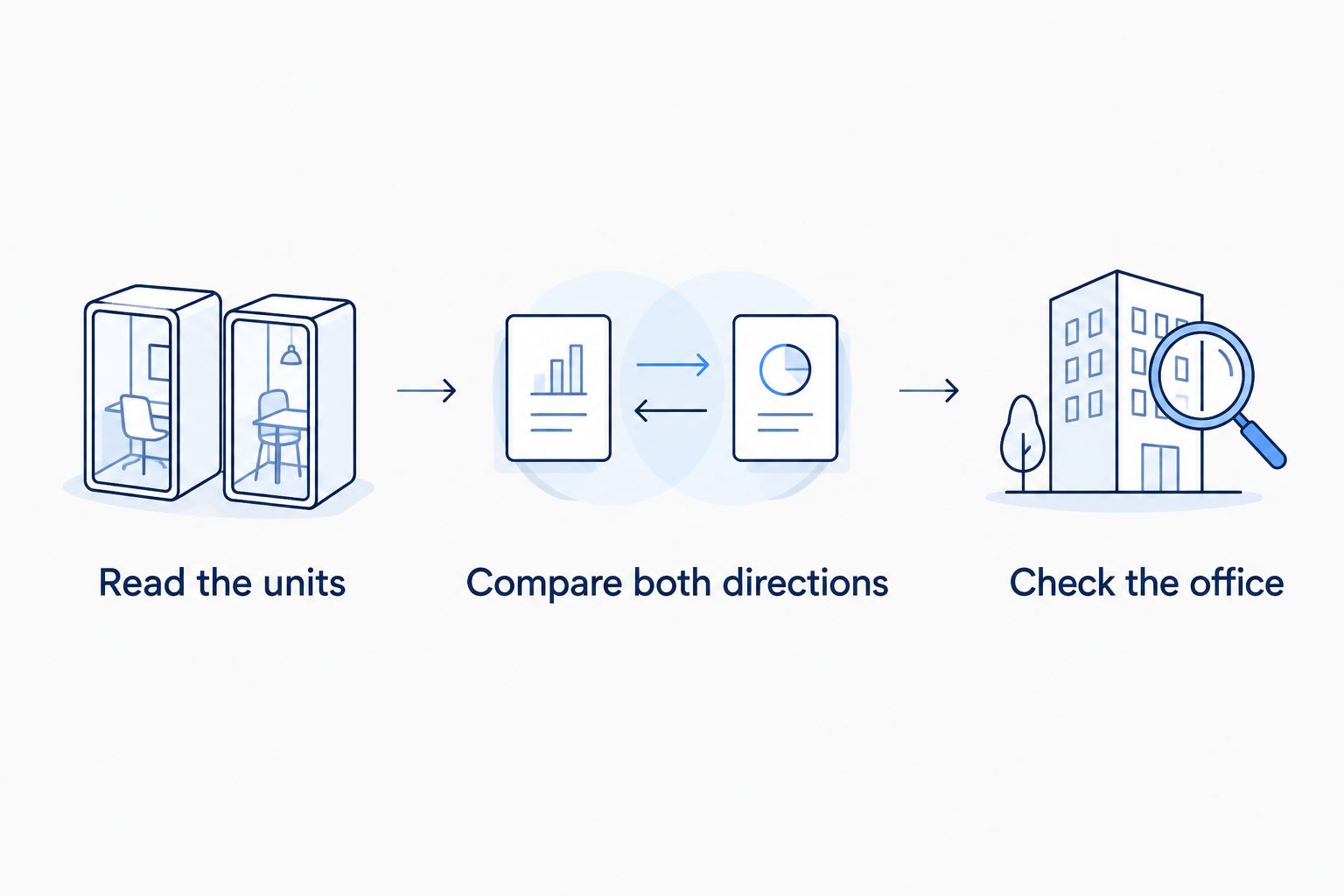
Read the units correctly
Internet connection speeds usually use bits per second. File sizes commonly use bytes. 1 Gbps equals 1,000 Mbps, and that represents an ideal raw rate of 125 MB/s before protocol overhead and other limits.
Those are unit conversions, not a promise about a file download. The remote server, network traffic, and your equipment also affect transfer speed. Do not mistake a file application’s MB/s display for an internet plan’s Mbps figure.
Compare both directions
Place download and upload figures in separate columns. Mark whether each figure is advertised, committed, or measured under stated conditions. Never merge those categories into one score.
For your 2026 shortlist, identify the work that sends data as well as the work that receives it. Cloud backups and large outgoing files deserve attention even when ordinary browsing feels quick.
Check the office path
Start with a wired test using equipment capable of carrying the connection speed. Then compare wireless performance where people actually work. This separates the provider connection from problems inside your premises.
A faster plan is not the right first fix when the bottleneck is a weak wireless signal. Diagnose the path before changing the service.
Keep test conditions consistent. Use the same capable device, record whether the connection is wired or wireless, and note other traffic using the network. A single result from a busy office is not a provider-wide benchmark.
Which business internet should you choose?
Start with business fiber for a permanent workplace, then compare the written proposal with another suitable connection. Choose dedicated internet access when documented performance is the requirement. Evaluate fixed wireless or satellite through the conditions of your actual site.
For a 2026 decision, ask every shortlisted provider for the same information: download speed, upload speed, performance terms, installation requirements, equipment responsibilities, and the support process. Put those answers in one comparison sheet. The right choice is the proposal that meets your working needs—not the largest number in a national advertisement.
Explore your business internet options
Review business fiber internet and managed WiFi before comparing address-specific proposals.
FAQ
Which business internet provider is the fastest in 2026?
The fastest choice for your business is the address-specific service with the strongest relevant download and upload performance. A provider’s national maximum does not establish what its proposal delivers to your building.
Is SumoFiber a business internet provider?
SumoFiber offers business fiber internet and managed WiFi. Its service portfolio also includes TV, phone, and mobile services; compare the proposal for your business rather than assuming a particular speed from the provider name.
Is fiber always faster than cable for a business?
Fiber is not automatically faster than every cable plan. Compare the actual download and upload tiers, performance terms, and equipment limits of the services proposed for your address.
Why does upload speed matter for a small business?
Upload speed controls how quickly your business sends data to the internet. Cloud backups, outgoing files, and video meetings all use upstream capacity, so a download-only comparison leaves out part of the workload.
Does gigabit internet mean files download at a gigabyte per second?
No: 1 Gbps is one gigabit per second, not one gigabyte per second. It equals an ideal raw rate of 125 MB/s before overhead and other transfer limits.
Will a faster internet plan fix slow office WiFi?
A faster internet plan does not fix weak wireless coverage or an equipment bottleneck. Compare a capable wired connection with WiFi performance in the affected work area before changing plans.
Does business internet automatically include an uptime guarantee?
A business internet label does not establish an uptime guarantee. Read the service agreement for the exact commitment, exclusions, measurement rules, and remedies.
One last thing
Your weakest link can sit inside the office. Before signing a faster plan, trace the connection from the provider handoff through the router, switch, cable, and employee device. A bottleneck anywhere along that path can hide the benefit of a faster internet service.
Make the office network part of the speed decision. That is how you avoid buying more capacity while leaving the original problem untouched.


